How to Verify Appliance Part Compatibility (2026 Guide)
Posted by Editorial Team on
Table of Contents
- What You'll Need Before You Verify Appliance Part Compatibility
- How to Find Appliance Model Number and Serial Number
- How to Decode Manufacturer Part Numbers and Check Supersession
- OEM vs Aftermarket Appliance Parts: Which Fits Your Repair?
- Finding Discontinued Appliance Spare Parts and Cross-Referencing Substitutes
- Troubleshooting 'No Match' Results and Verifying Fit Visually
- Common Mistakes That Lead to Incompatible Parts
- Conclusion: Order the Right Part the First Time
- Frequently Asked Questions
Last Updated: September 30, 2026
What You'll Need Before You Verify Appliance Part Compatibility
Verifying appliance part compatibility means matching a replacement component to your exact machine before you buy it. Get it wrong and you've wasted money on a part that won't fit. At Allfix Electrical, with over 40 years of experience in electrical repair and parts supply, we've seen the same mistakes come up again and again.
Before you start, grab these:
- Your appliance's model number and serial number
- The part number you think you need
- A phone camera for photos
- A torch for dark corners
- Your appliance's technical manual if you have it
How to Find Appliance Model Number and Serial Number
The model number and serial number are your starting point for any compatibility check. Without them, you're guessing.
Where to Look on Common Appliances
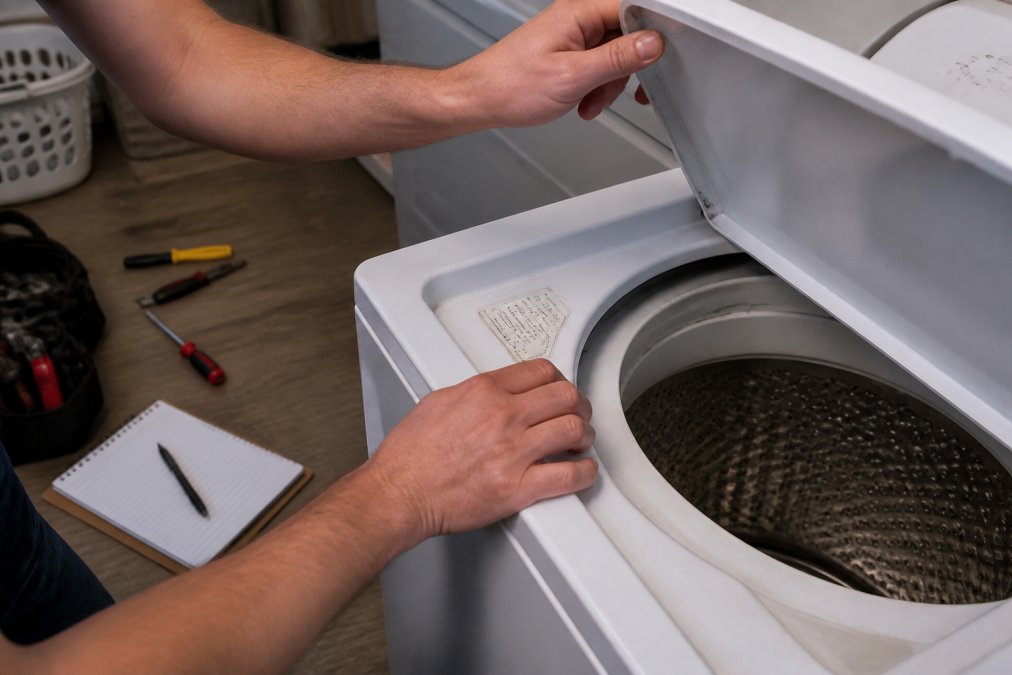
Every appliance hides its product label in a different spot. Here's where to check:
- Washing machines: behind the door, on the inner rim, or on the back panel
- Fridges: inside the door frame or behind the crisper drawer
- Dishwashers: on the side of the door or the inner edge
- Ovens: on the frame behind the door or the back panel
- Dryers: inside the door opening or on the rear panel
What to Do When the Label Has Faded
Faded labels are common on older machines. Try these fixes:
- Photograph the label under bright light and zoom in
- Wipe the surface gently with a damp cloth
- Check your purchase receipt or warranty card
- Look inside the technical manual that came with the appliance
How to Decode Manufacturer Part Numbers and Check Supersession
Manufacturer part numbers are not random. They are structured codes, and learning to read them lets you spot a wrong part before you pay for it.
- Prefix, identifies the appliance category or product family (for example, a dishwasher-specific series code)
- Core number, identifies the exact component and its position in the assembly
- Suffix, encodes a variant attribute such as colour, voltage rating, plug type, or revision level
What Supersession Actually Means
Supersession is the manufacturer's formal process of retiring one part number and replacing it with another. It happens for several reasons:
- A supplier changes, so the same component gets a new number
- A design revision improves reliability or safety
- A part is consolidated across multiple models to reduce inventory
- A material or compliance change forces a redesign
How to Run a Supersession Check
Work through these steps in order:
- Search the manufacturer's own parts portal using your model number, not the part number. This shows the currently active part for your machine.
- Enter the old part number into a cross-reference tool. Most supplier catalogues maintain a supersession chain that maps the retired number to its replacement.
- Look for a 'replaces' or 'superseded by' note on the product listing. Reputable suppliers display this prominently.
- Confirm the replacement's specifications match, voltage rating, dimensions, and connector type, before assuming it is a drop-in substitute.
- Ask the supplier to confirm the current number in writing if you are ordering a high-value part.
A common pattern is a chain of two or three supersessions over a decade, so the number on your old part may be several generations behind the current one. Cross-reference tools handle this chain automatically; manual searching often does not.
manufacturer parts portal example
Why This Matters for Compatibility
A superseded part is not automatically compatible with every model that used the original. Sometimes the replacement is a universal fit across a range; sometimes it is model-specific. The supersession notice usually states which models the new number covers. Read that list and confirm your model appears on it before you buy. Verifying these cross-references remains a critical step in identifying original OEM parts to ensure the internal components maintain the intended performance standards of your appliance.
OEM vs Aftermarket Appliance Parts: Which Fits Your Repair?
OEM stands for original equipment manufacturer. OEM parts are made by the company that built your appliance. Aftermarket parts are made by other companies to fit the same machine.
Here's how they compare:
| Factor | OEM Parts | Aftermarket Parts |
|---|---|---|
| Fit | Exact match guaranteed | Varies by maker |
| Price | Usually higher | Often lower |
| Warranty | Manufacturer-backed | Seller-backed |
| Availability | Can be discontinued | Often easier to find |
| Quality | Consistent | Mixed |
Finding Discontinued Appliance Spare Parts and Cross-Referencing Substitutes
Discontinued parts are the biggest headache in appliance repair. The good news: most discontinued parts have a substitute.
Other options include:
- Searching spare parts databases by model number
- Checking exploded view diagrams for the full parts list
- Asking a supplier to run a compatibility check for you
Troubleshooting 'No Match' Results and Verifying Fit Visually
A 'No Match' result is one of the most frustrating moments in parts ordering. It usually does not mean the part is unavailable, it means the search tool could not reconcile your input with its database. Work through this sequence before you give up.
Step-by-Step 'No Match' Workflow
- Re-check your model number character by character. The letters O and 0, I and 1, and S and 5 are the most common transcription errors. Compare against a photo of the data plate, not your memory.
- Search by part number instead of model number. If you have the old part in hand, its number is often more reliable than a faded label.
- Search by component function. If the model number returns nothing, try searching for the component itself, for example, 'drain pump for [appliance type]', and then filter by your brand and model series. This bypasses model-number indexing gaps.
- Try a cross-reference tool. These map part numbers across brands and supersession chains.
- Widen to supersession numbers. The part you need may only exist under a newer number.
- Search by appliance series rather than exact model. Some databases index at the series level, not the individual model.
If all six steps fail, the part may genuinely be discontinued with no listed substitute. At that point, a used OEM part or a generic aftermarket equivalent may be your only option, and that is where visual verification becomes essential.
Visual Verification: The Step Most Guides Skip
Text and numbers only get you so far. The most reliable compatibility check is a direct physical comparison between your old part and the candidate replacement. Here is how to do it properly.
Mounting points
- Count the mounting holes or tabs and note their positions relative to the part's centre.
- Measure the distance between mounting holes with a ruler or calipers. A 2-3mm difference is enough to prevent fitment.
- Check the angle of any bracket or flange. A part can have identical hole spacing but a bracket bent at the wrong angle.
- Note whether mounting hardware is captive or separate, this affects installation even when dimensions match.
Electrical connectors
- Count the pins or terminals. A 4-pin connector will not mate with a 3-pin socket, regardless of what the listing says.
- Note the connector shape, rectangular, circular, or keyed. Keyed connectors only fit one way and a mismatch is an immediate fail.
- Check the wire gauge and terminal type if visible.
- Confirm the voltage rating on the part label matches your appliance's supply. A part rated for a different voltage may physically fit but fail electrically or create a safety risk.
Physical dimensions
- Measure length, width, and depth of the old part at its widest points.
- Measure any shaft, spindle, or pipe diameter, these are common mismatch points.
- Photograph the old part from at least four angles: front, back, top, and the connector side.
The Financial Risk of Guess-and-Check Ordering
This is the part most guides avoid: ordering a part you are not sure about carries a real cost, and it is not just the purchase price.
- Return policies vary widely. Many suppliers accept returns on unused parts in original packaging, but some classify electrical components as non-returnable for safety reasons. Check the policy before you order, not after.
- Restocking fees may apply even when returns are accepted.
- Return shipping is often your responsibility, and for bulky parts it can approach the cost of the part itself.
- Special-order and discontinued parts are frequently non-refundable.
- Time cost matters too, a wrong part means another wait for the correct one, extending the repair.
Common Mistakes That Lead to Incompatible Parts
Most wrong orders come down to a handful of avoidable errors. Watch for these:
- Using the serial number instead of the model number
- Skipping the supersession check
- Trusting a photo without confirming dimensions
- Ignoring voltage and connector differences
- Not reading the return policy before ordering
Conclusion: Order the Right Part the First Time
Getting the right part comes down to careful checking. Match the model number, confirm the supersession, and verify the fit before you buy. It takes a few extra minutes but saves weeks of waiting.
Frequently Asked Questions
Where can I find the model number on my appliance?
Check the data plate or product label, usually on the back, side, or inside the door of the appliance. On washing machines, look under the lid or behind the detergent drawer. Fridges often have it inside the top compartment. If the label has faded, check the user manual or search the brand's website using your appliance's serial number.
What is the difference between OEM and aftermarket appliance parts?
OEM (original equipment manufacturer) parts are made by the same company that built your appliance. Aftermarket parts are produced by third parties. OEM parts guarantee a match to your model number, while aftermarket parts vary in quality and fitment. For critical components like electrical connectors or motors, OEM is safer. Aftermarket can work for mechanical items like door seals if you verify dimensions and mounting hardware.
How do I know if a part is compatible if the original is discontinued?
First, check for a manufacturer supersession or substitution. Use cross-reference tools and exploded view diagrams to compare specifications: voltage rating, dimensions, and electrical connector type. If no direct replacement exists, search for a functional match from a similar model. Always confirm the return policy before ordering, as incompatible parts may not be refundable.
Why is it important to use a serial number when searching for parts?
The serial number identifies the exact production batch of your appliance. Using just the model number can sometimes lead to ordering a part that fits an earlier or later version. The serial number narrows the compatibility check to your specific unit, reducing the risk of a wrong part.
Share this post
- 0 comment
- Tags: appliance part compatibility, finding discontinued appliance spare parts, how to find appliance model number, how to verify appliance part compatibility, oem vs aftermarket appliance parts
0 comment